Lucid Notes Press Kit
Facts, copy, and assets for covering Lucid Notes — the macOS app for transparent floating notes that follow the app you're working in. Everything on this page may be used in your coverage.
Download on the Mac App StoreFact Sheet
- App name
- Lucid Notes
- Developer
- Sardorbek Rakhimov (solo developer)
- Based in
- Tashkent, Uzbekistan
- Launched
- January 2026
- Platform
- macOS 14 (Sonoma) or later
- Pricing
- Free tier (up to 5 notes); Pro via monthly or yearly subscription, or a one-time lifetime purchase
- App Store
- apps.apple.com/app/id6757122476
- Website
- lucidnotes.app
- Press contact
- support@lucidnotes.app
What is Lucid Notes
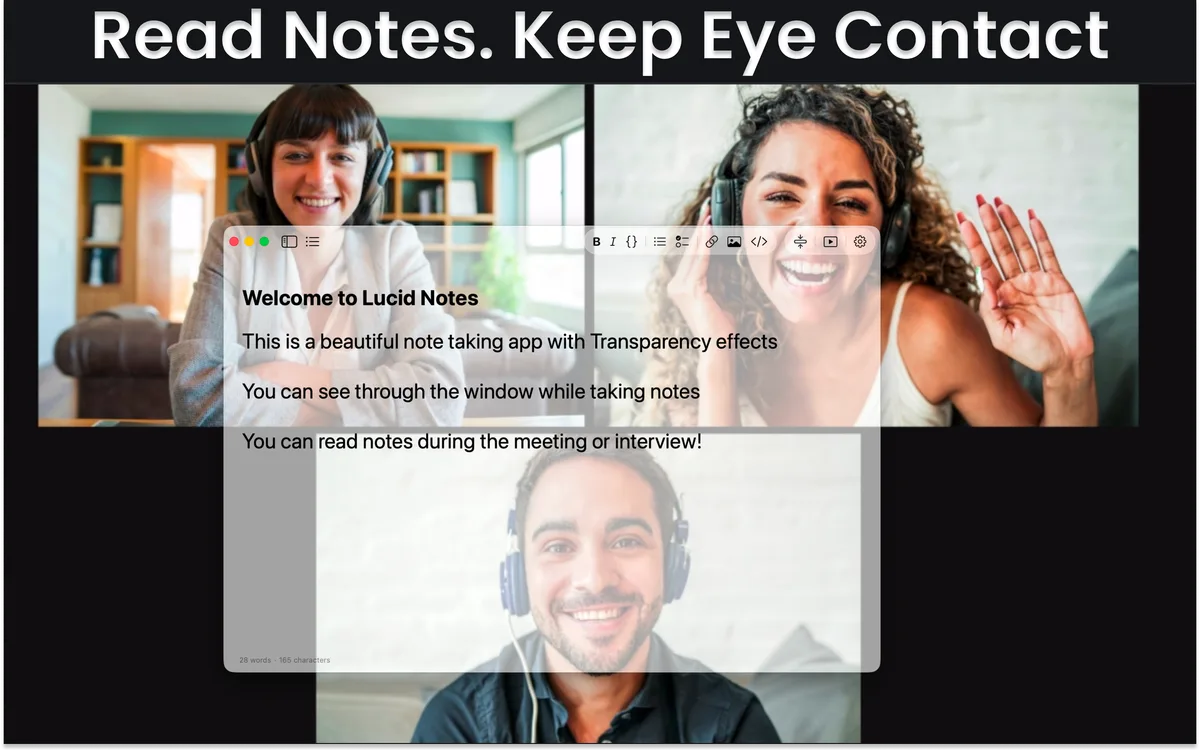
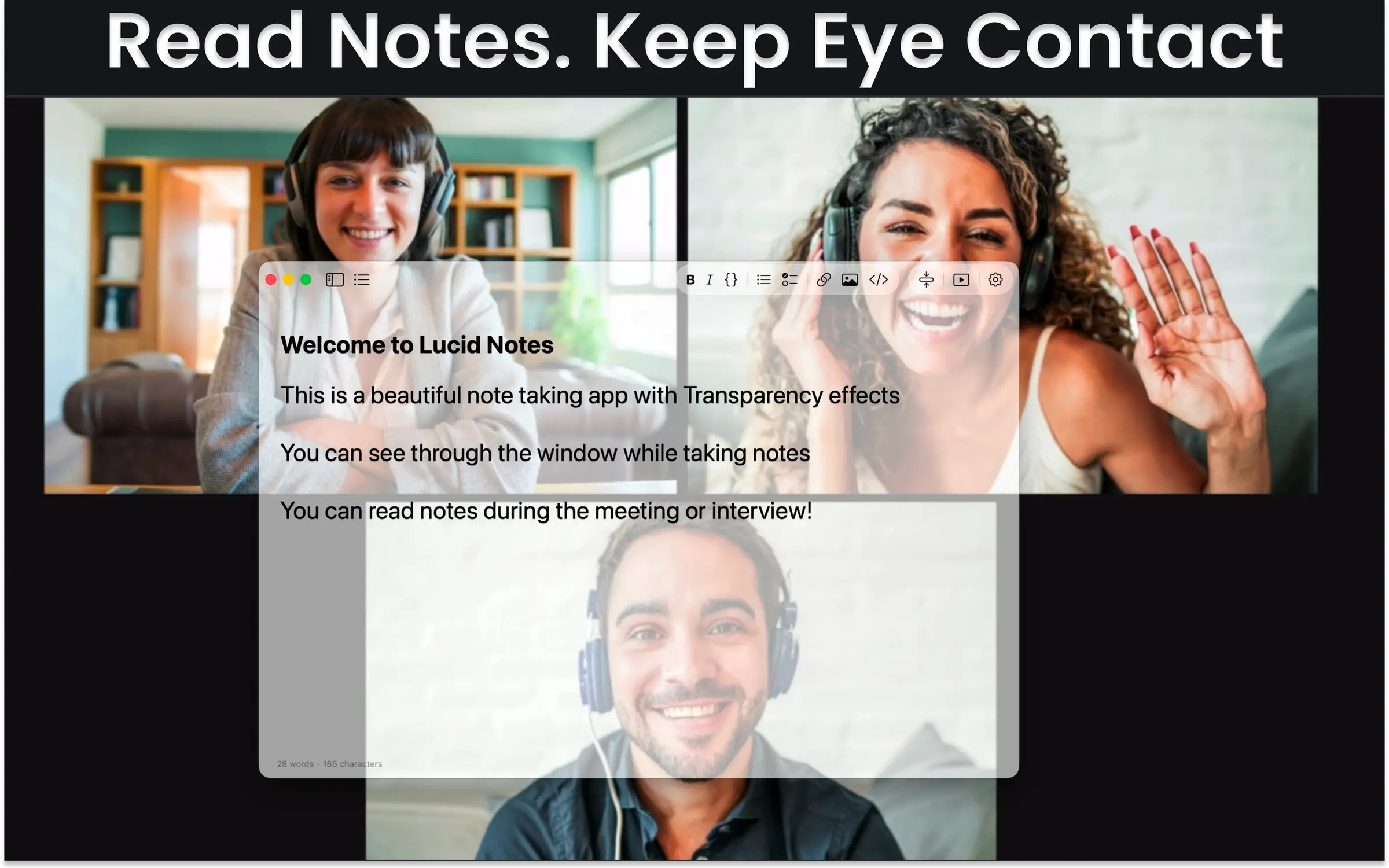
Lucid Notes is a note-taking app for macOS built around a simple idea: notes should stay where your attention is. Notes live in transparent floating windows that stay on top of whatever you're working in — a video call, a presentation, an IDE — so you can read and write without switching away.
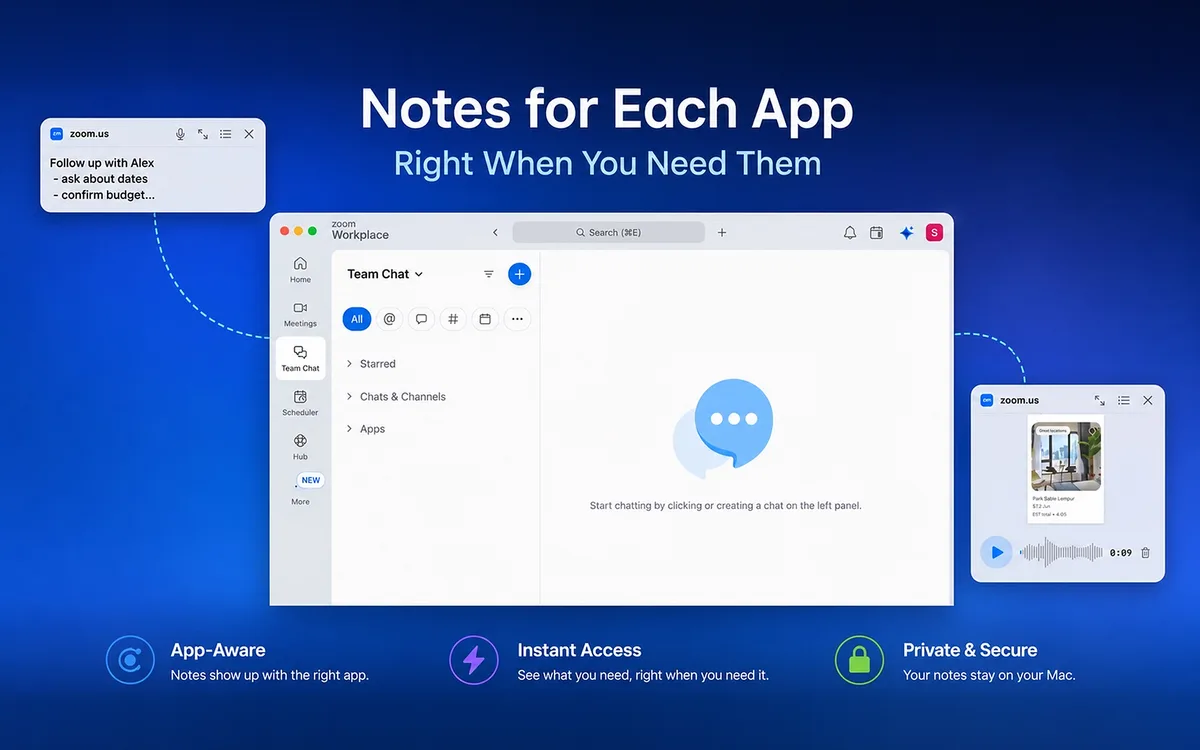
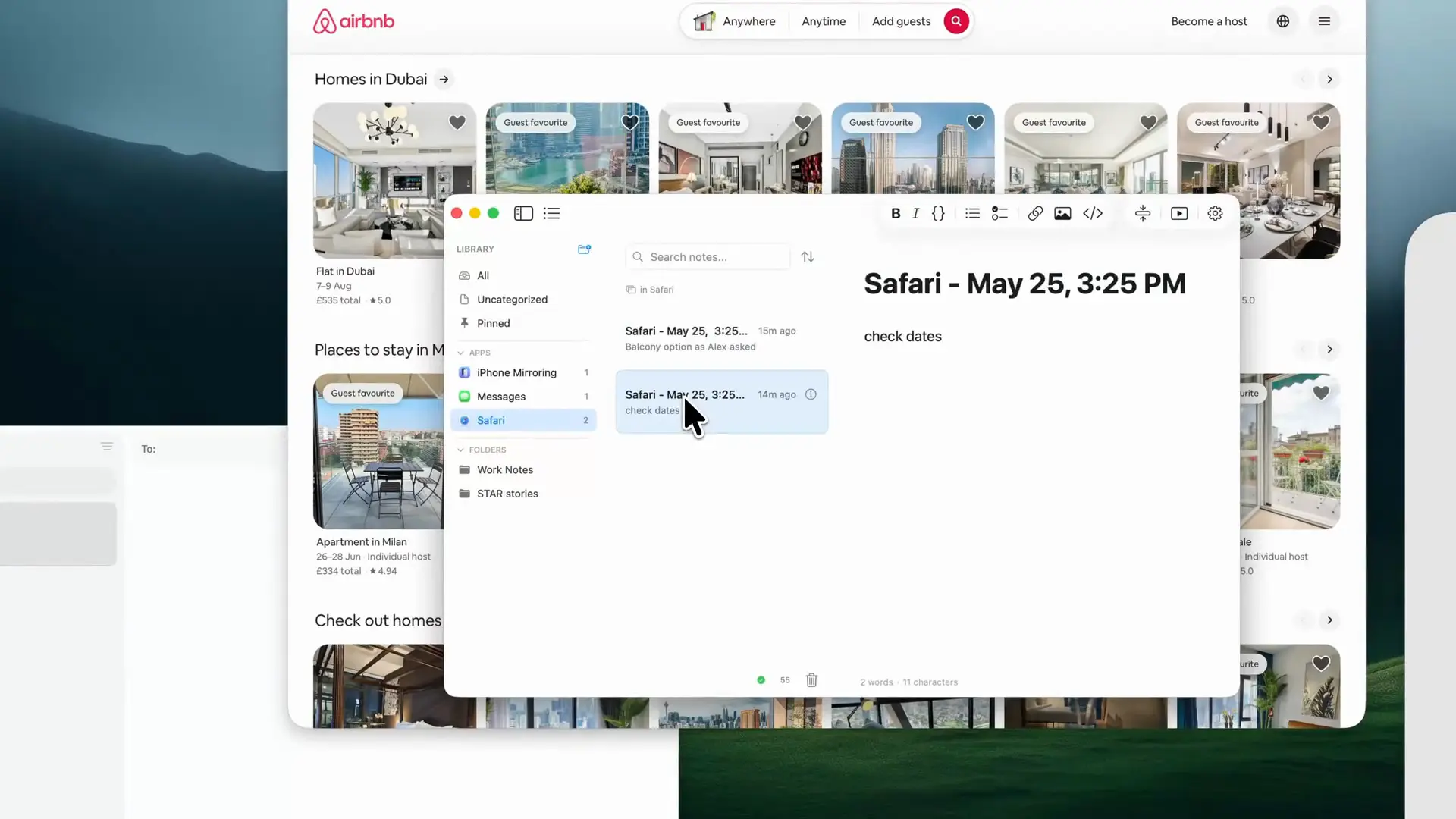
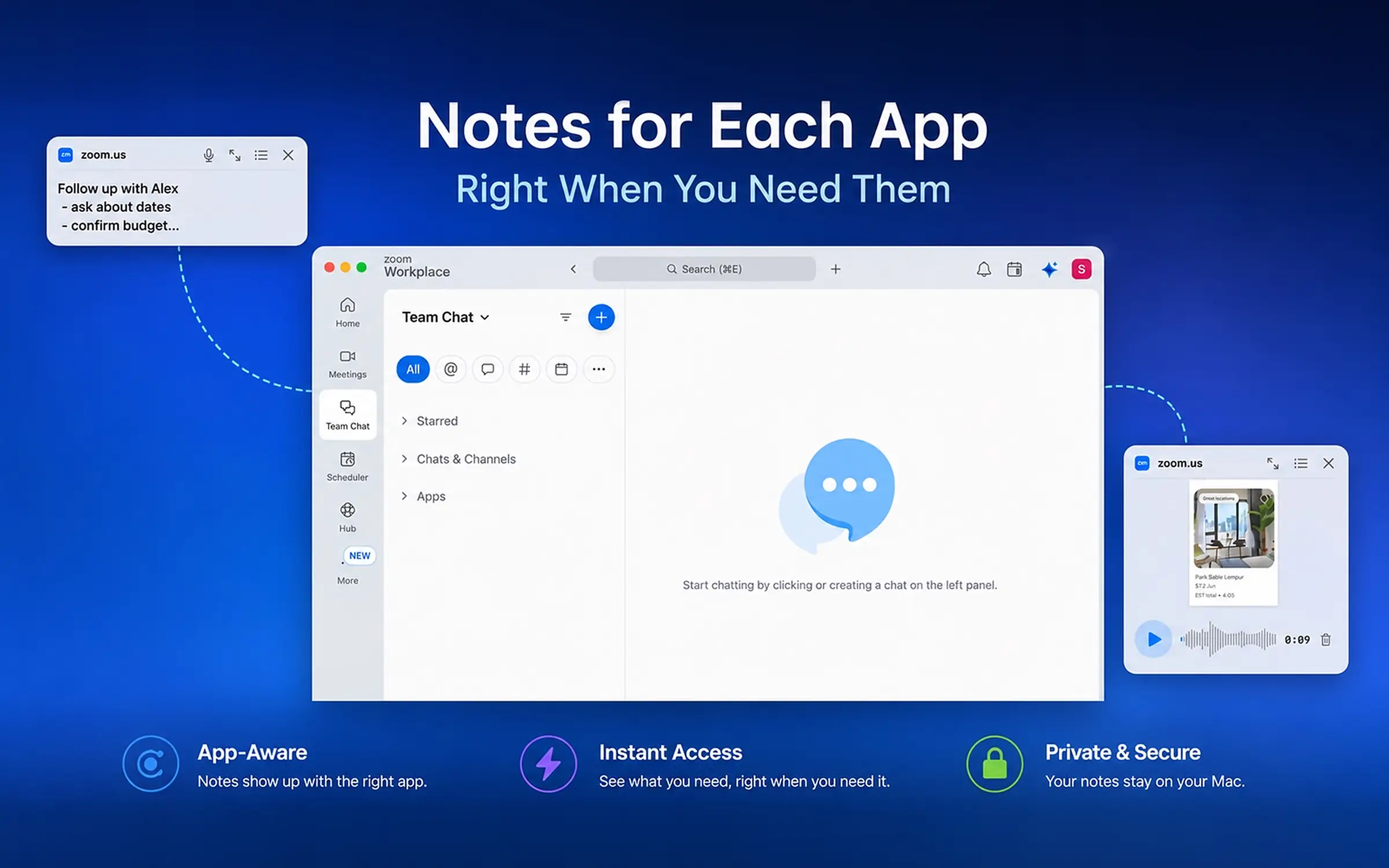
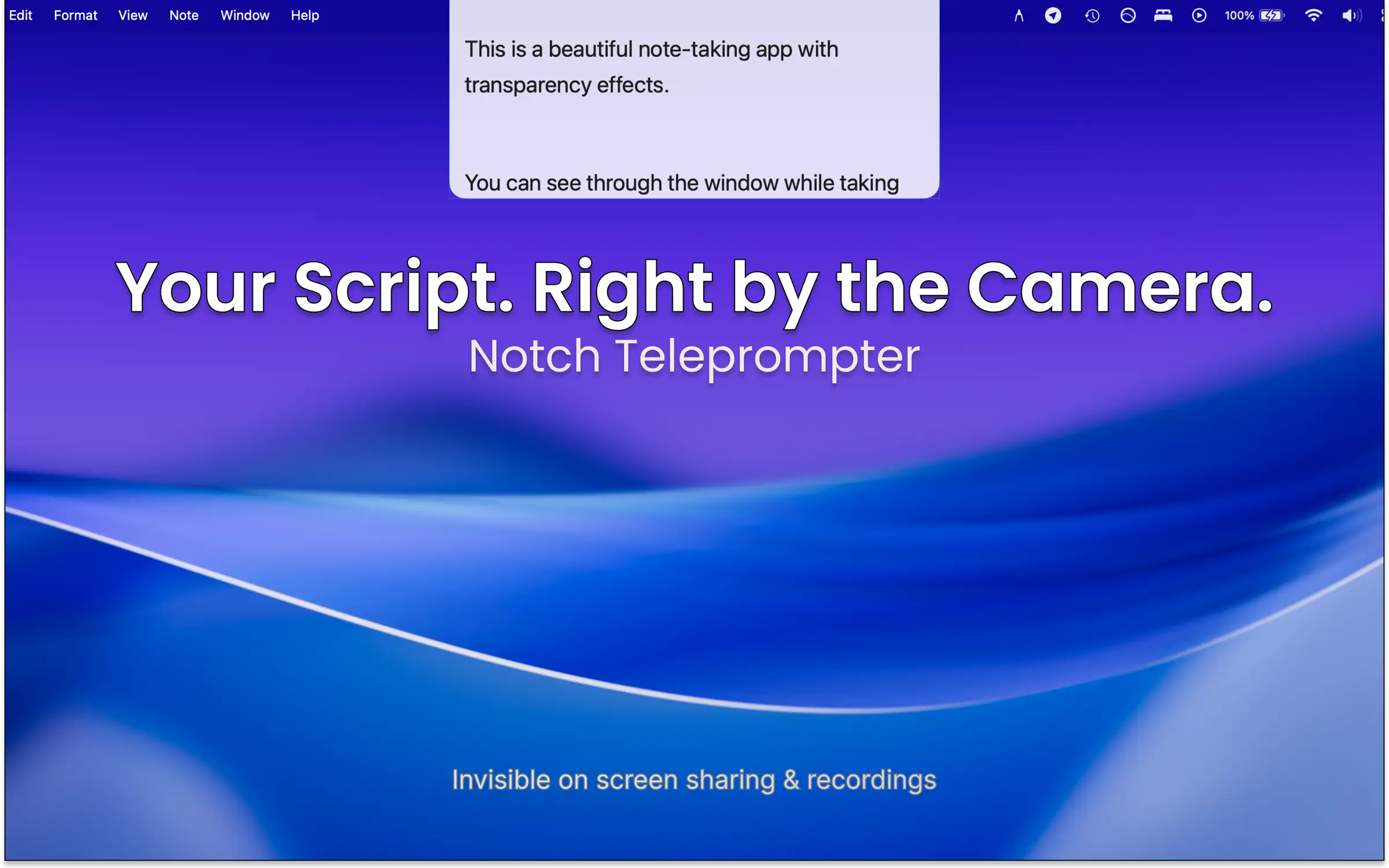
Its defining feature is App-Contextual Notes: attach a note to a specific app, and it appears when that app is active and steps aside when you move on. Combined with a built-in teleprompter — including a mode that hides inside the MacBook notch — it serves people who talk while they read: presenters, interviewers, streamers, and anyone on back-to-back video calls. There are no accounts and no ad tracking — notes stay on-device or in the user's own iCloud, and the developer never sees them.
Key Features
- Transparent floating notes — always-on-top note cards with adjustable transparency that float over any app.
- App-Contextual Notes — notes attach to a specific Mac app and reappear when you switch back to it.
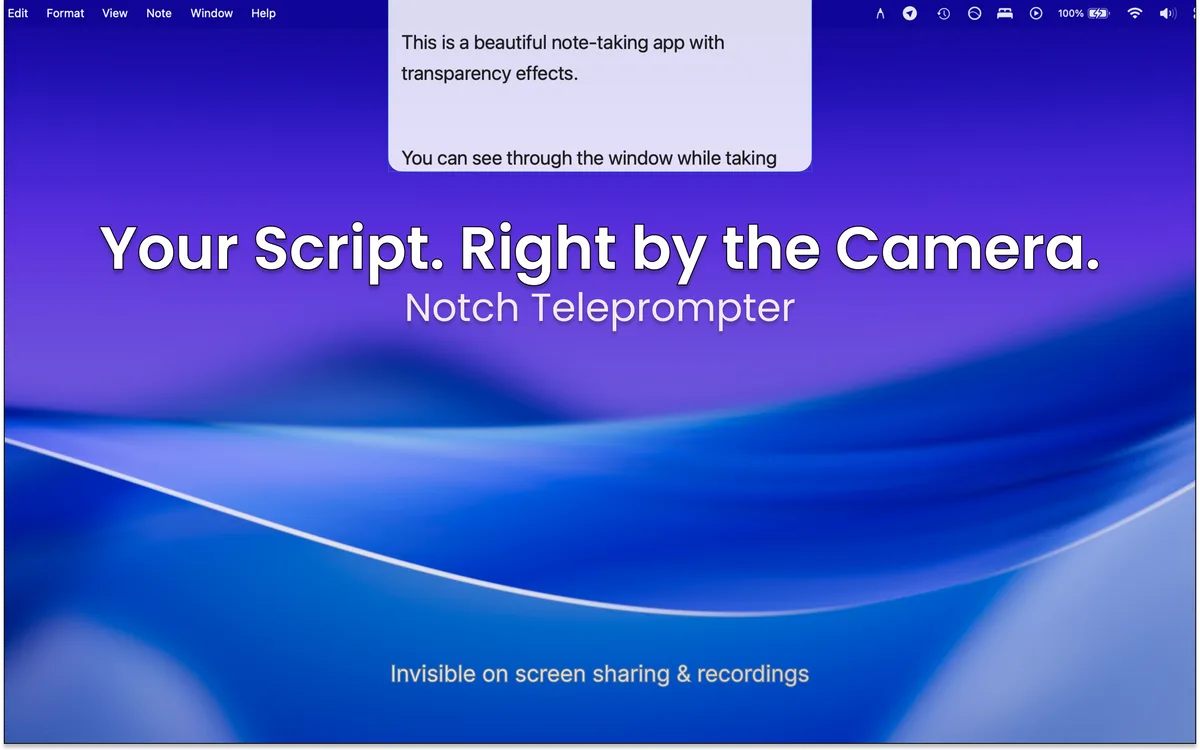
- Notch teleprompter — an auto-scrolling script tucked into the MacBook notch, excluded from screen recordings, screenshots, and screen sharing.
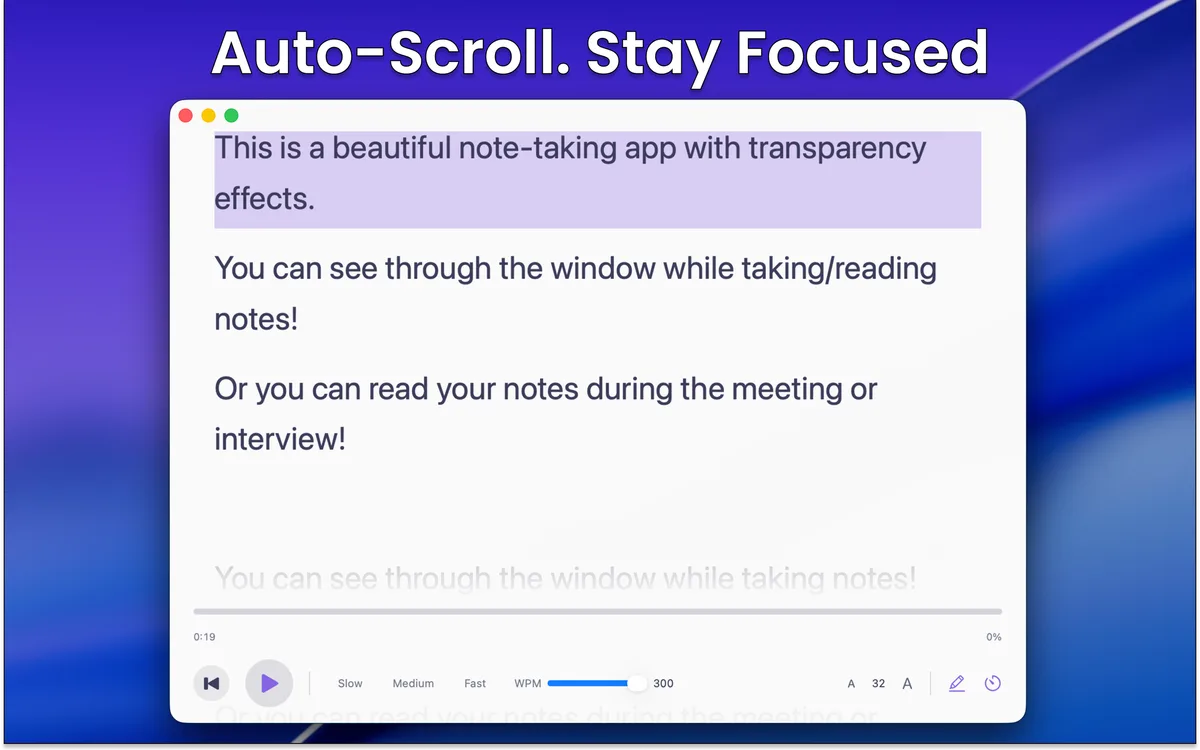
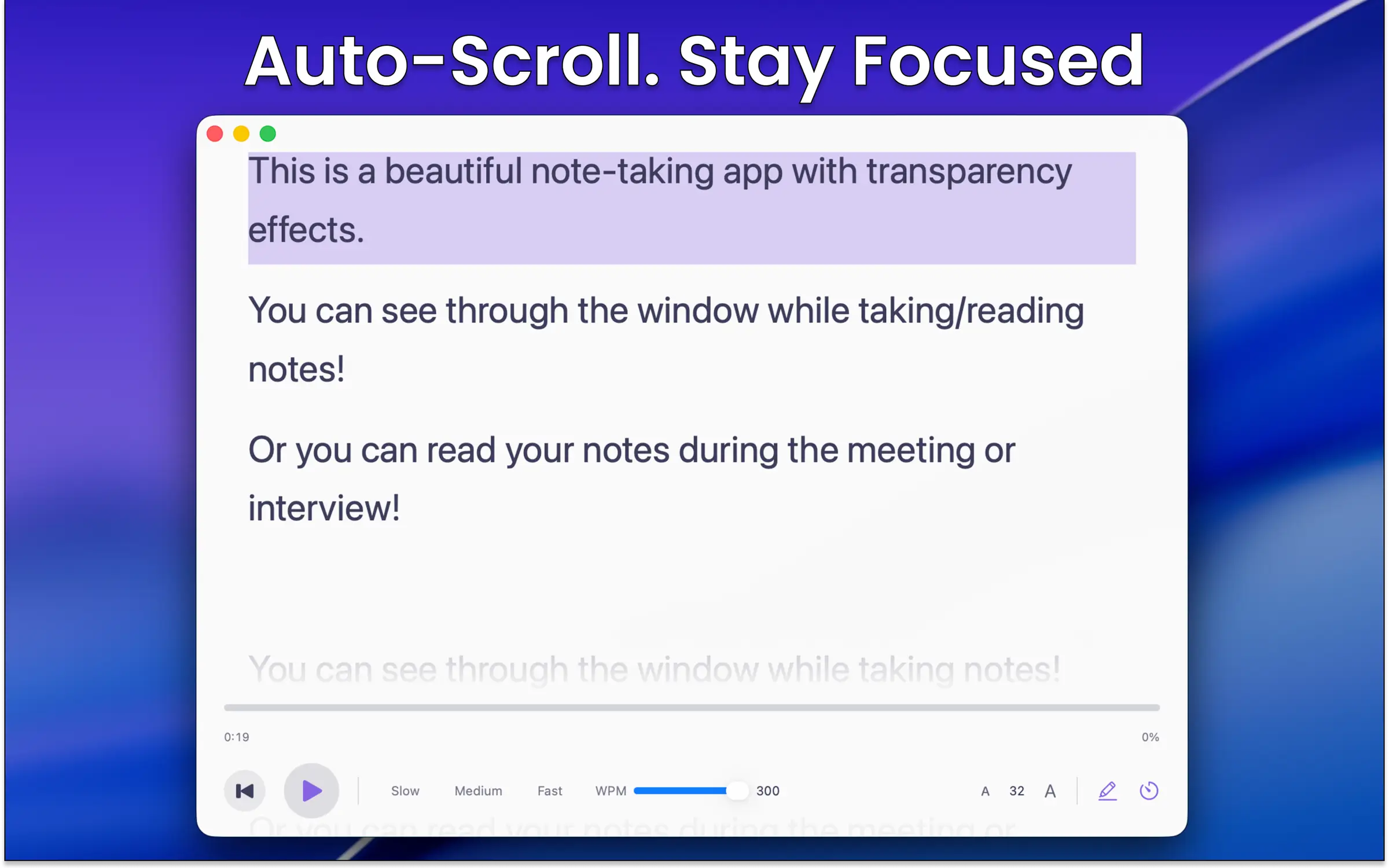
- Full-screen teleprompter — adjustable auto-scroll speed and line highlighting for camera reads and presentations.
- Typewriter mode — keeps the line you're writing centered for focused work.
- Rich text — bold, italic, headers, lists, and code blocks, with export to Markdown, PDF, RTF, JSON, and plain text.
- iCloud sync — notes sync across Macs through the user's own iCloud; nothing passes through the developer's servers.
The Story
Lucid Notes is built by one person — Sardorbek Rakhimov, a solo developer in Tashkent, Uzbekistan. It started as a fix for a personal annoyance: every notes app forgets what you were working on. You take notes about a design in Figma or a call in Zoom, and the moment you switch apps, those notes are somewhere else. Lucid Notes binds notes to the apps they belong to, so the right note is already on screen when you come back.
Assets
All assets may be used in articles, reviews, and videos about Lucid Notes. The zip includes everything below plus a README with links and boilerplate.
Boilerplate
Canonical descriptions you can copy-paste.
Lucid Notes is a macOS app for transparent floating notes that bind to the apps you use, with a built-in teleprompter that hides in the MacBook notch.
Lucid Notes is a note-taking app for macOS with transparent floating windows, App-Contextual Notes that attach to specific apps and reappear when you switch back, and a built-in teleprompter — including a notch mode hidden from screen recordings. It has no accounts and no ad tracking; notes stay on-device or in the user's own iCloud, and the developer never sees them. Lucid Notes is free on the Mac App Store, with Pro available as a subscription or one-time lifetime purchase. It is designed and built by solo developer Sardorbek Rakhimov in Tashkent, Uzbekistan.
Contact
- Email: support@lucidnotes.app
- X: @Sardor_Rahim